
The /tp command
Move a player or entity somewhere instantly — coordinates, another entity, or facing a point.
What it does
/tp (also written /teleport) moves a target to a new place in one step. Send a player to spawn, warp yourself above a build to see it from the air, or gather everyone to one spot for an event.
Syntax
tp [target] <x y z> [checkForBlocks]tp [target] <destinationTarget>tp [target] <x y z> facing <lookAt x y z>- target
- Who moves. Defaults to the command’s executor if omitted.
- x y z
- Where to go — exact numbers or relative ~ coordinates.
- destinationTarget
- Another entity to teleport to, e.g. @p.
- facing
- Optionally rotate to look at a point after arriving.
Examples
tp @s ~ ~10 ~Jump 10 blocks straight up — handy for an aerial view of your build.
tp @s 100 64 200Teleport yourself to exact coordinates.
tp @a @pGather everyone to the nearest player.
tp @s 9 108 9 facing 0 107 0Move to a spot and turn to look at a point — great for framing a screenshot.
See it in action
Before and after running /tp — in MiniBench's 3D preview and in Minecraft.
Command run
tp @s ~ ~ ~29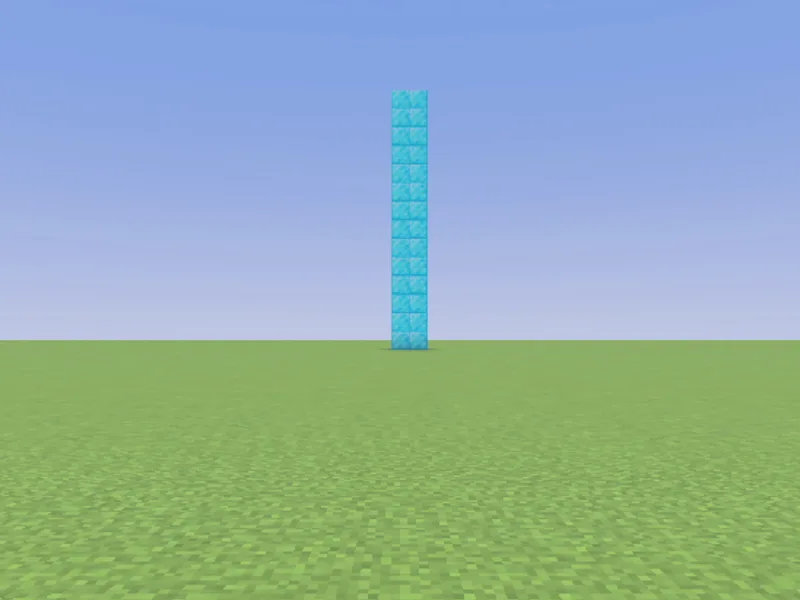
Before
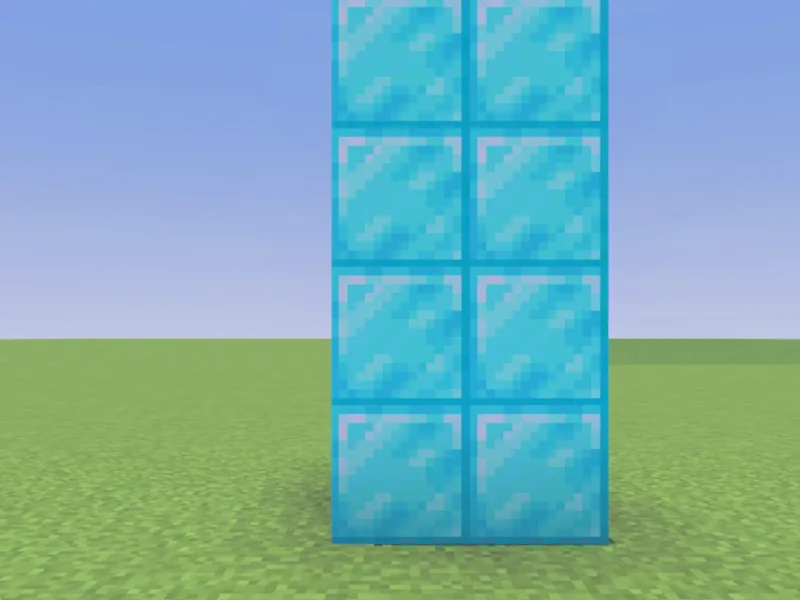
After
Not affiliated with Mojang or Microsoft. Minecraft is a trademark of Mojang Synergies AB.
Watch out for
- · /tp and /teleport are the same command.
- · Relative ~ coordinates are measured from the target’s current position.
- · Add checkForBlocks to avoid teleporting into solid blocks.
Write it in MiniBench with autocomplete and live validation, then run it in Minecraft.