
Learn MiniBench
From blank project to in-game
Short, screenshot-led guides that take you all the way from making a Minecraft Bedrock pack on your iPad to seeing it run in Minecraft. Every step is a real tap you can copy.
Searches every MiniBench tutorial, command guide, and how-to.
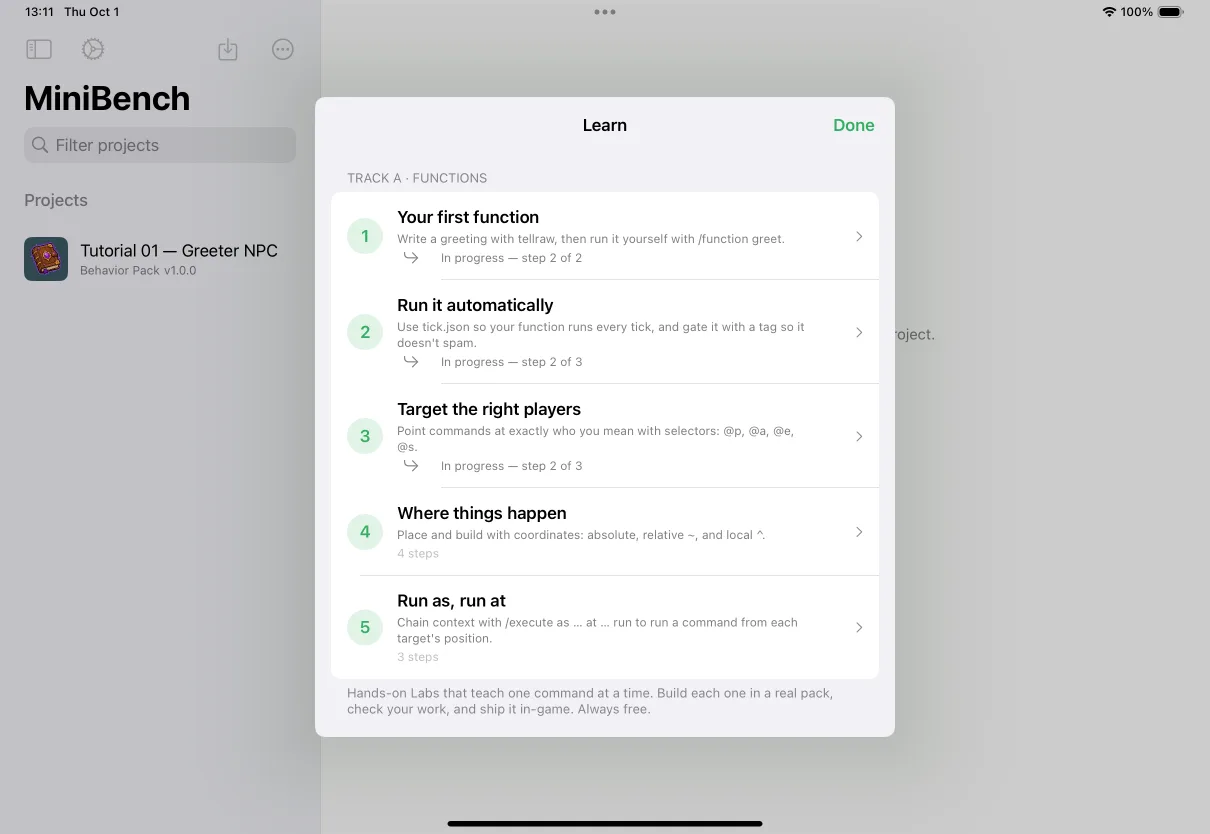
🧪 Learn by doing
Interactive Labs
The hands-on way to learn Minecraft commands — each Lab sets a goal, walks you through building it in a real pack, and checks your work with friendly hints. Always free.
Free · 5 Labs · ~2 min each
Start the tutorial →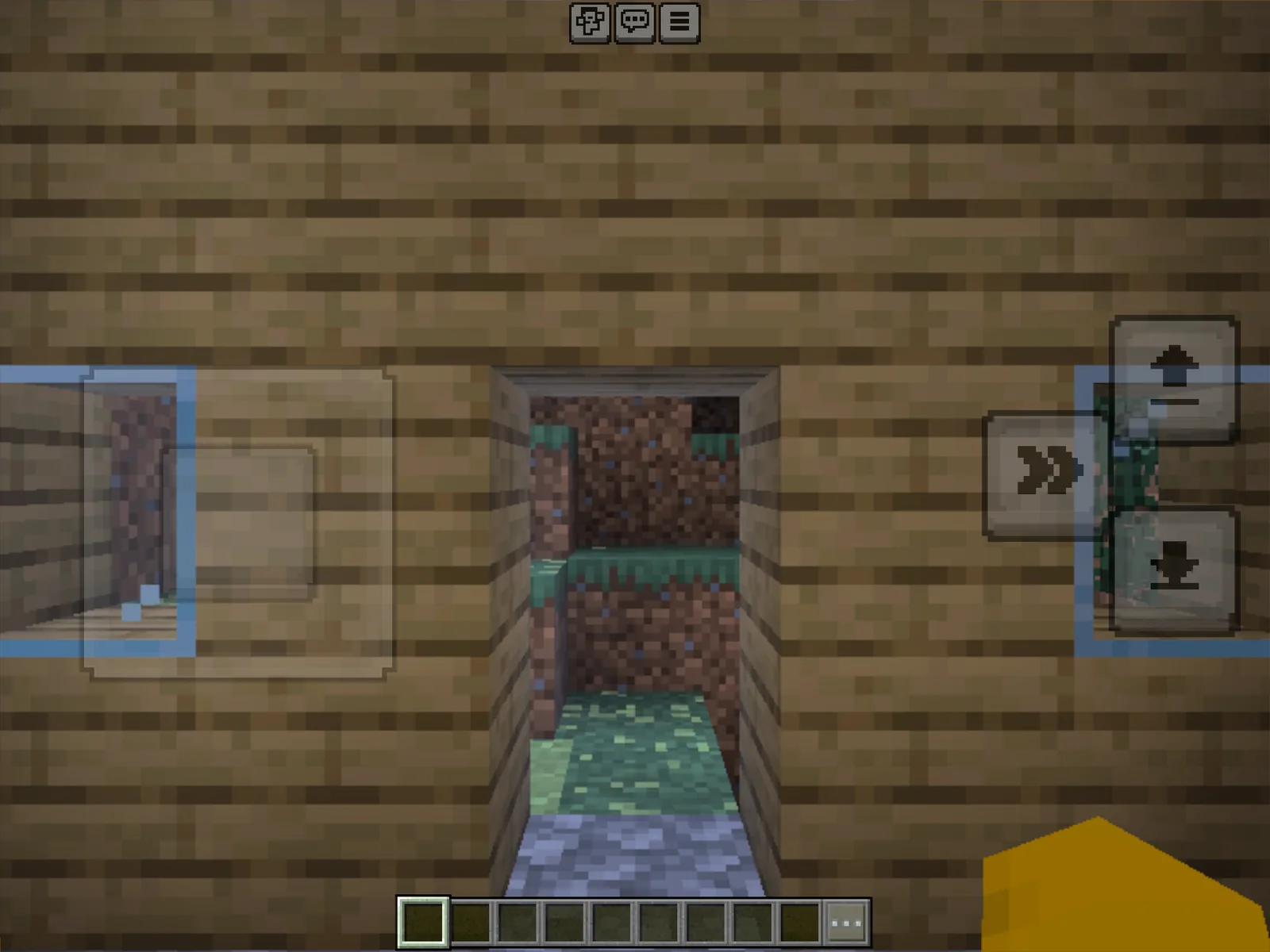
Start here
Your first pack: blank → in-game
The whole round trip in one sitting — create a pack, export it, open it in Minecraft, activate it, and watch your build appear.
8 steps · ~5 min
Deep dive
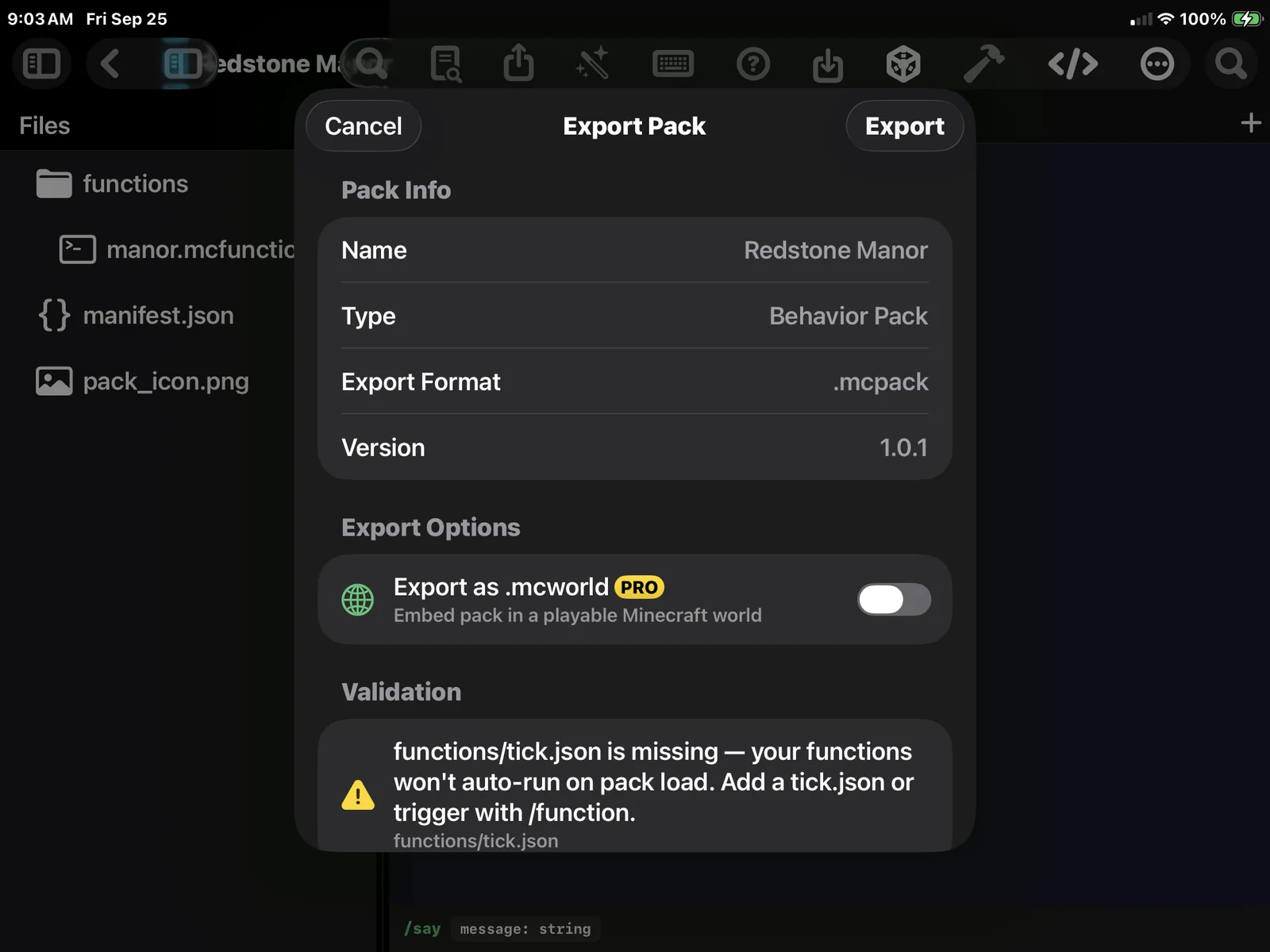
Exporting to Minecraft
Read the validation, pick .mcpack, .mcaddon, or .mcworld, and get a clean file out of MiniBench every time.
6 steps · ~3 min
The sticking point
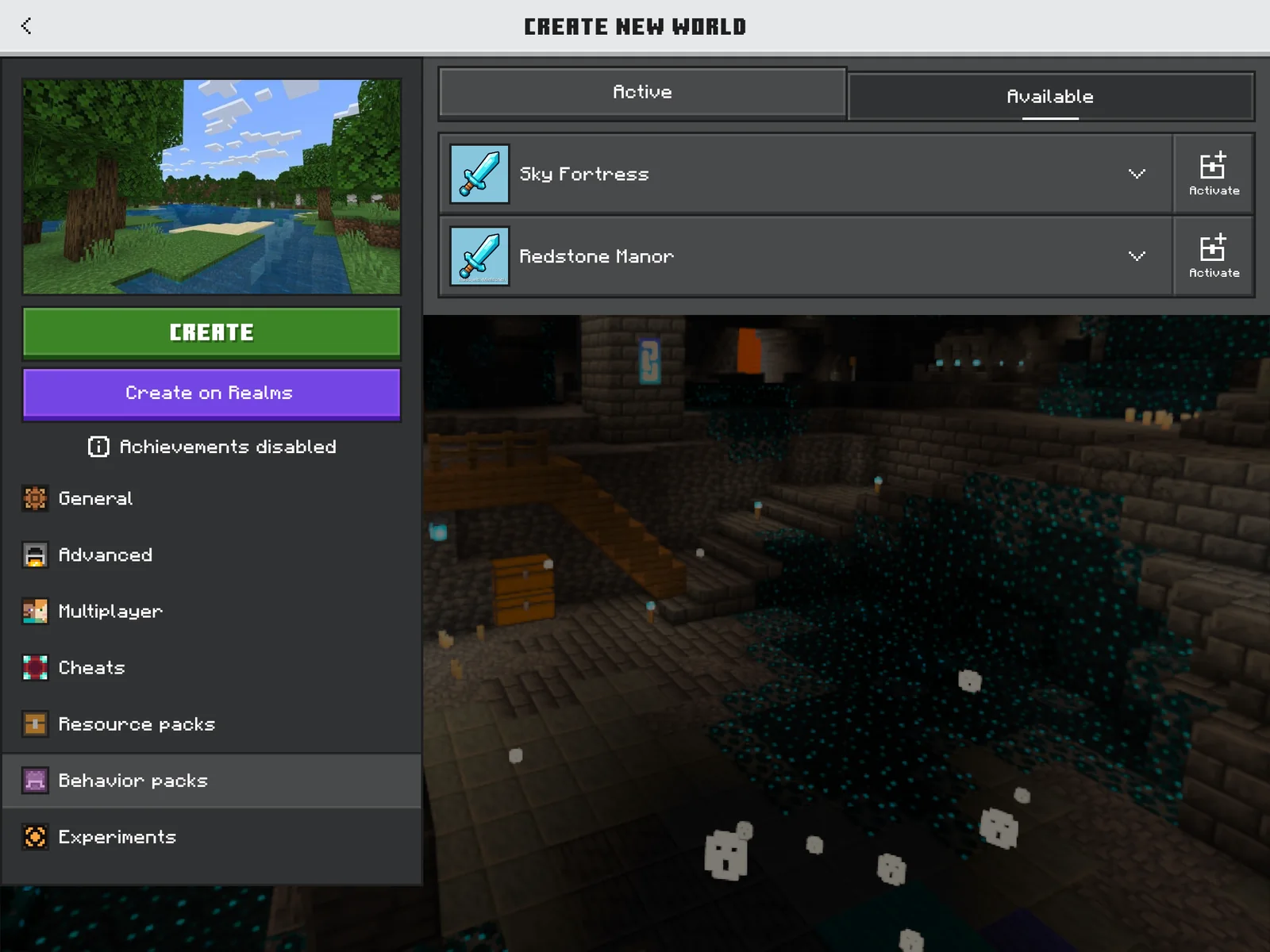
Importing a behavior pack into Minecraft
Activate a pack on a world, turn on cheats, run it, and fix the usual reasons a pack won’t show up.
7 steps · ~4 min
Feature shorts
One feature, a couple of minutes each.
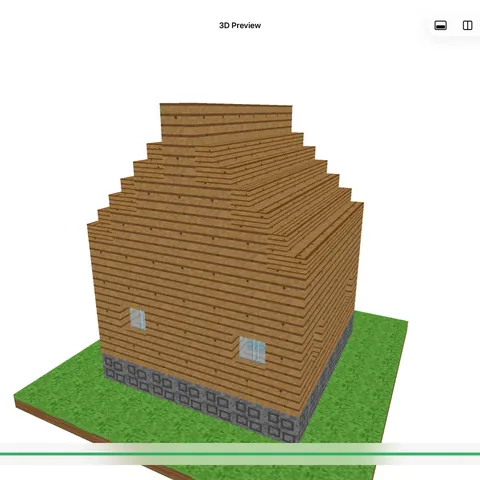
Build a house and orbit it in 3D
Pro · ~3 min
Build a house with the House Builder
Pro · ~2 min
Write your first .mcfunction
Free · ~3 min
Preview any build in 3D
Free · ~1 min
Fill a chest with the Chest Builder
Pro · ~2 min
Turn a picture into a build
Pro · ~2 min
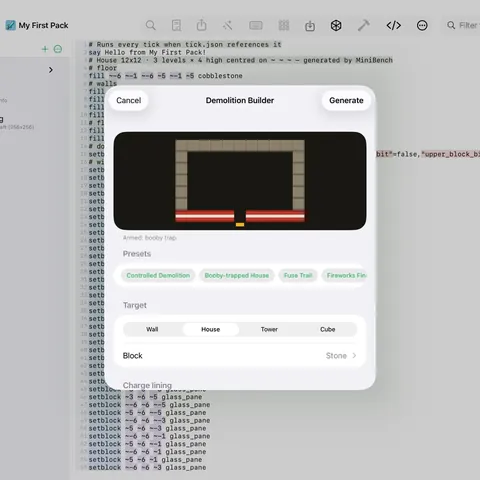
Blow it up with the Demolition Builder
Pro · ~2 min
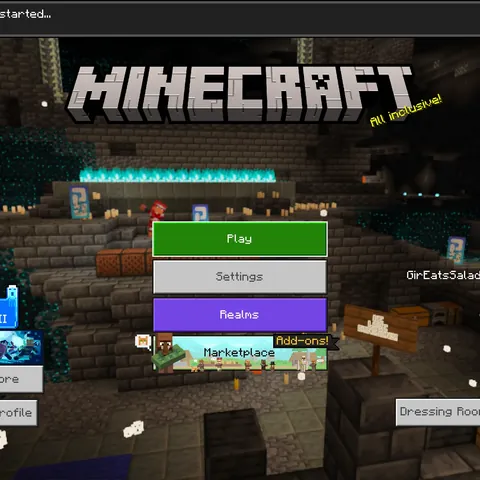
Update a pack you already installed
Free · ~3 min
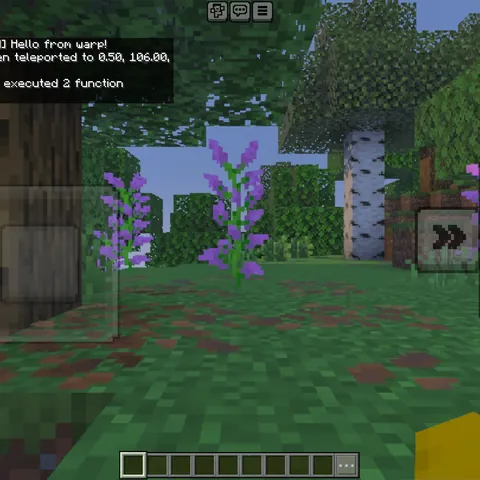
Make a teleport pad
Free · ~3 min
Editor skills
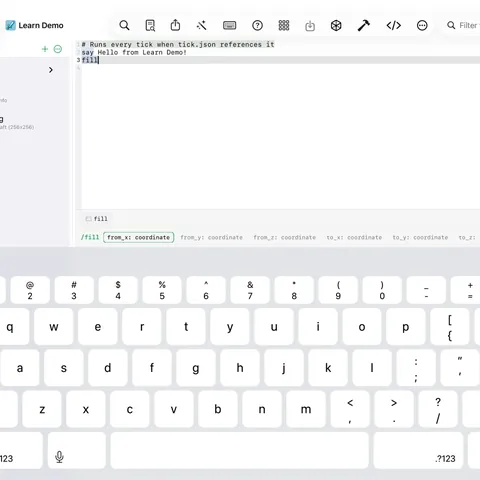
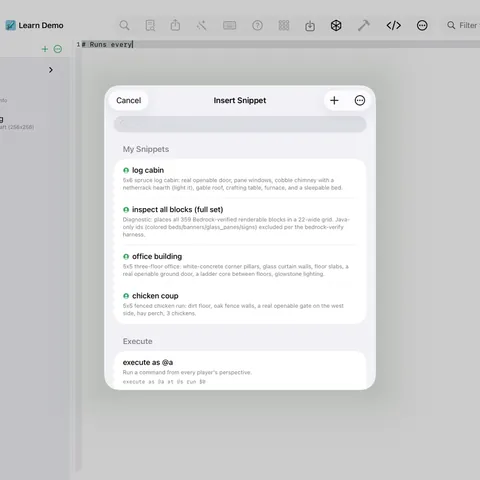
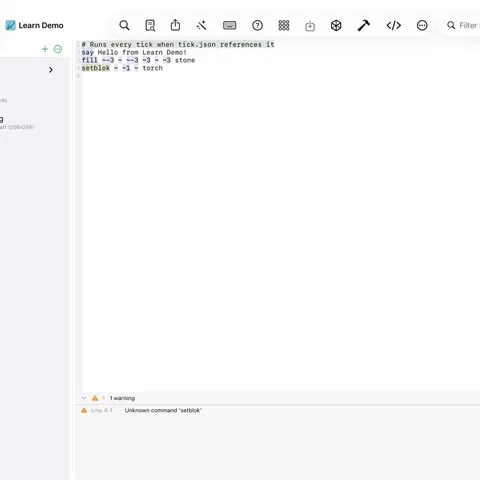
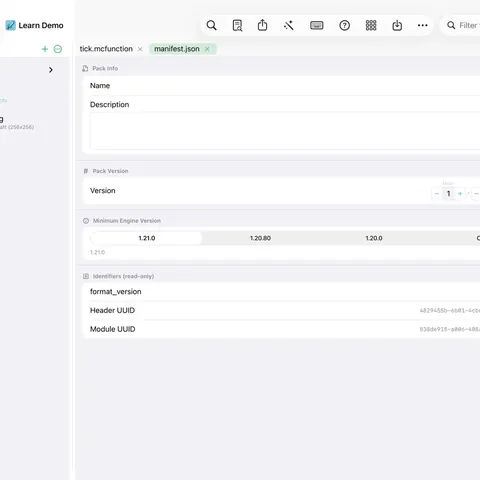
Get fluent with the code editor at the heart of MiniBench.
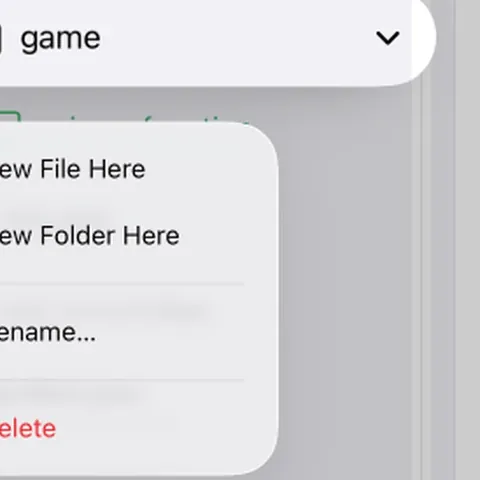
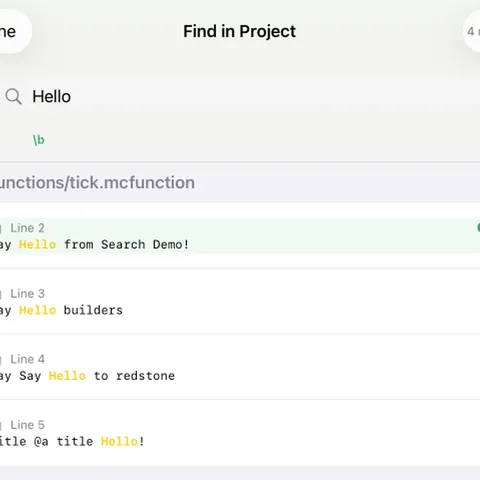
More guides
Handy how-tos and explainers.
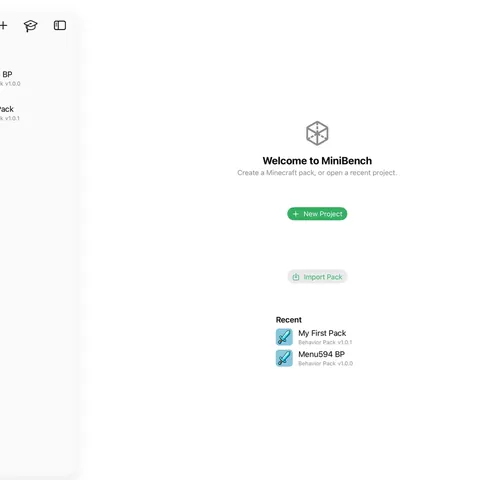
Import & edit an existing .mcpack
Free · ~2 min
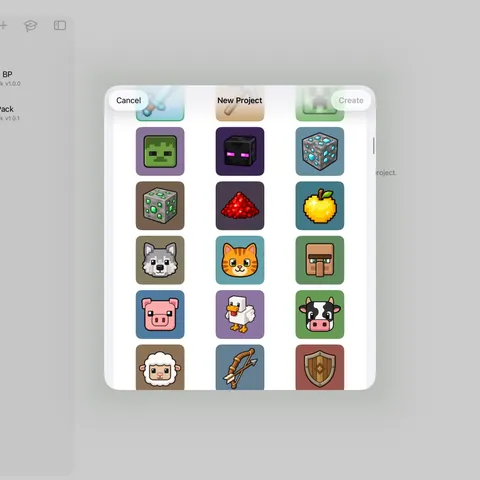
Set your pack's icon
Free · ~1 min
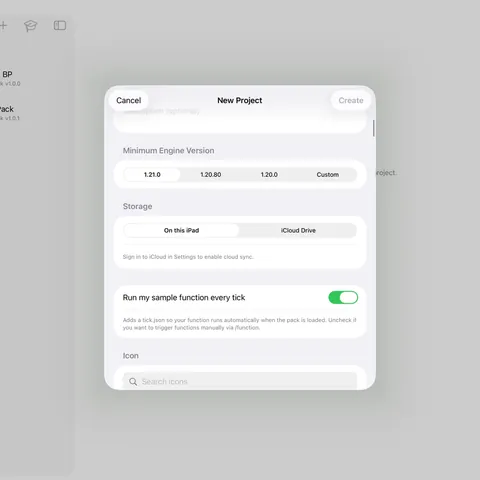
Run your pack automatically (tick.json)
Free · ~2 min
.mcpack vs .mcaddon vs .mcworld
Explainer · ~2 min
Common commands to try
Explainer · ~4 min
How function names work
Explainer · ~1 min
Sync your projects with iCloud
Free · ~1 min
Minecraft coordinates (~ and ^)
Explainer · ~3 min
Target selectors (@p, @a, @e, @s)
Explainer · ~3 min
Behavior pack vs resource pack
Explainer · ~2 min
Understanding manifest.json
Explainer · ~3 min
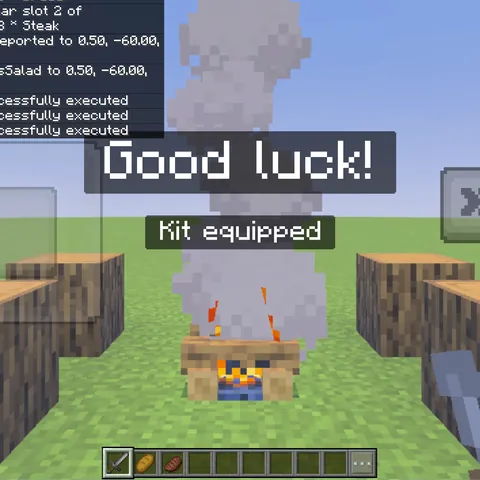
Chain functions together
Explainer · ~3 min
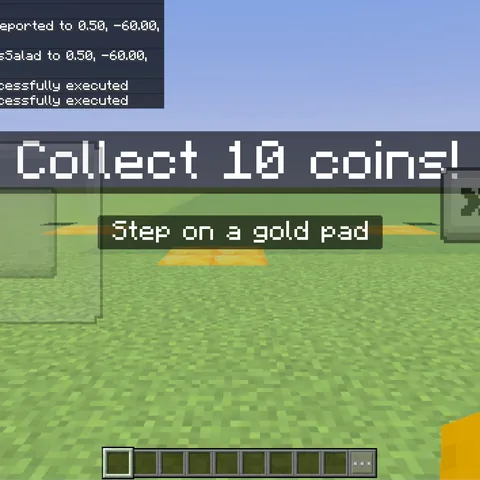
Build a coin minigame
Project · ~6 min
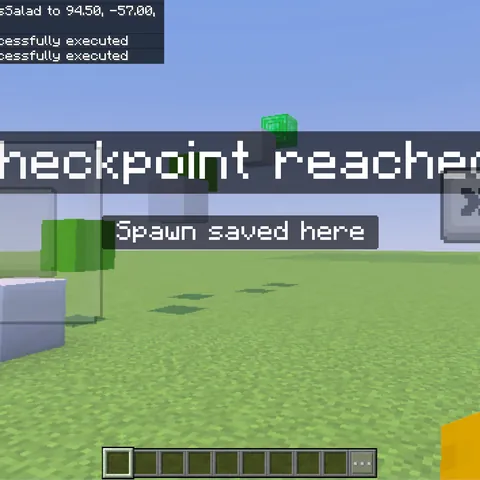
Build a parkour course
Project · ~6 min
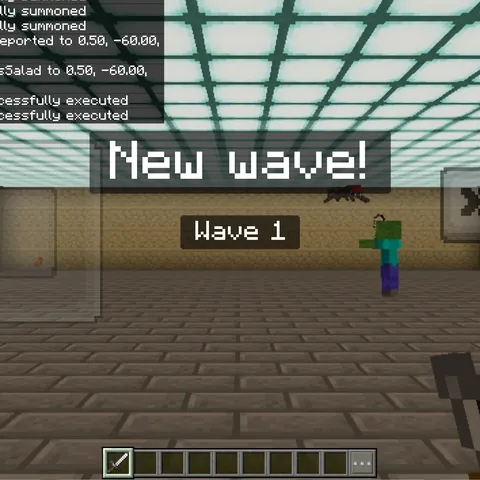
Build a mob arena (wave survival)
Project · ~7 min
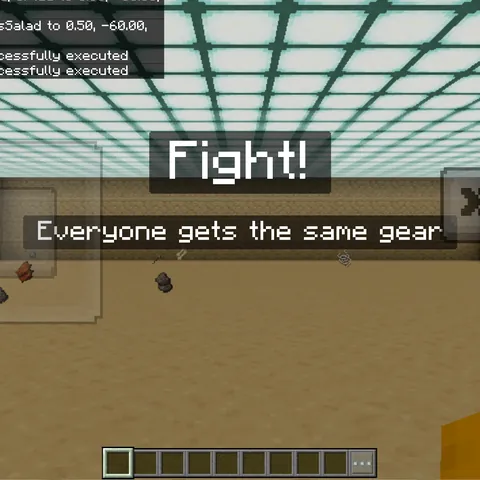
Build a PvP arena
Project · ~6 min
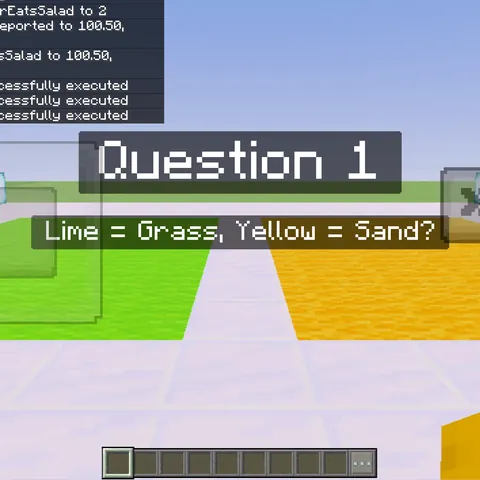
Build a trivia game
Project · ~7 min
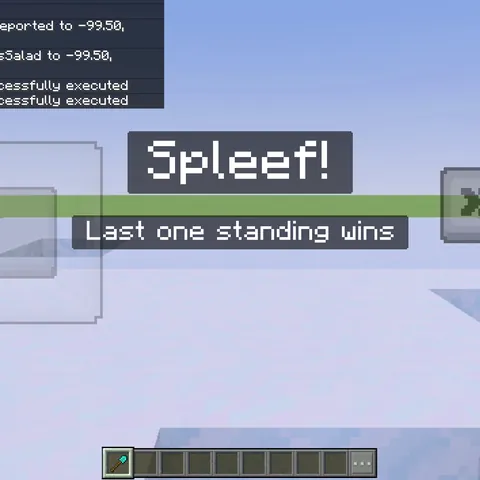
Build a spleef arena
Project · ~7 min
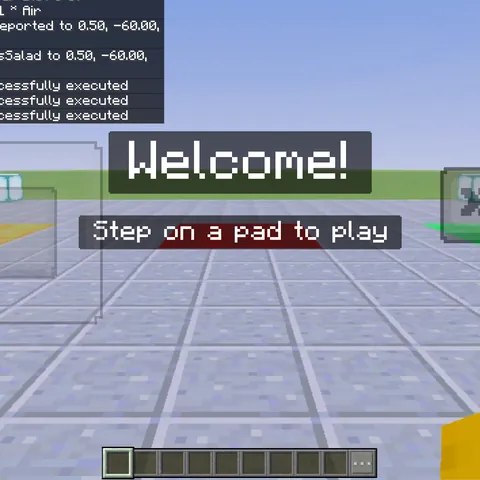
Build a game lobby (minigame picker)
Project · ~6 min
Command reference
Deep-dives on the Bedrock commands you'll use most. New? Start with the overview.
More on the way — localized versions of every guide.