
Importing a behavior pack into Minecraft
Getting a pack into Minecraft is the easy half. The part that trips people up is turning it on — activating it on a world and actually running it. Here's exactly how.
-
Your pack lands in Minecraft
When you tap Minecraft in the share sheet, the game opens and imports your pack — you'll see an “Import started” banner. Behavior packs land in Minecraft's library, but they are not switched on anywhere yet. That's the next few steps. -
Create or edit a world
A pack has to be attached to a world. Tap Play → Create New World (or pencil-edit an existing one) to open its settings. From here you'll turn on cheats and activate your pack before you press Create. -
Turn on Cheats
In the world settings sidebar, open Cheats and switch it on. This is what lets you run a function with /function. (If your pack auto-runs via tick.json you can skip this — but turning cheats on now saves a headache later.) -
Activate the behavior pack
Open Behavior Packs in the sidebar and switch to the Available tab. Find your pack — here Redstone Manor, with its “Made with MiniBench” icon — and tap Activate. It moves over to the Active tab for this world. -
Confirm it's active
Minecraft confirms with a “Redstone Manor activated” message, and the pack disappears from Available (it's now under Active). Press Create to generate the world — if it warns that achievements will be disabled, that's expected with cheats and packs on; choose Create anyway. -
Jump in and run it
Once you spawn, open the chat and type /function manor (use your own function's name). If the pack loaded correctly, Minecraft autocompletes the function name — a great sign it's active. Send the command. -
See it work
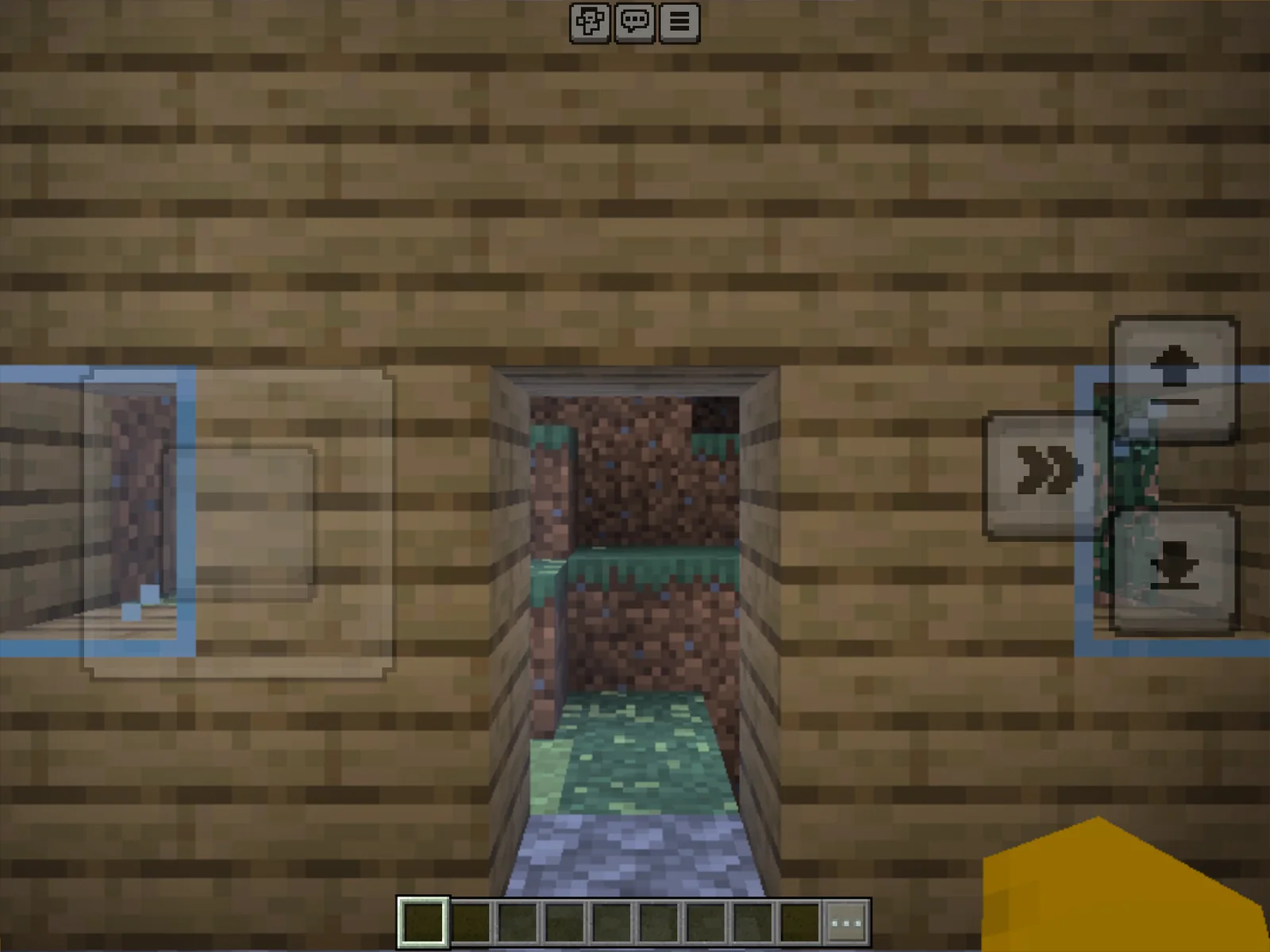
The chat reports “Successfully executed …” and your build appears in the world. That's a pack that made the full trip: authored in MiniBench, imported, activated, and running.
Troubleshooting
When a pack won't cooperate, it's almost always one of these:
The pack didn't show up under Available
The import can fail silently if the manifest.json is malformed or its UUID + version already exist in your library. Re-export from MiniBench — it regenerates UUIDs on collision — and import again.
/function isn't recognized
Make sure the pack is Active on this world and that Cheats are on. The function name is the file path under functions/ without the extension.
It needs a resource pack, or an experiment
Some behavior packs depend on a matching resource pack (activate it too, under Resource Packs) or on an Experiments toggle. If a pack lists a dependency it can't find, Minecraft won't enable it.
You did the hard part.
Activating and running a pack is the skill most creators get stuck on. Now every pack you build in MiniBench has a clear path all the way into your world.
Back to: Your first pack