
Command Bedrock Edition ~2 min read
The /effect command
Apply or clear status effects — speed, jump boost, night vision, regeneration, and more.
What it does
/effect gives an entity a status effect for a set time, or clears effects. Use it to buff players in an arena, hand out night vision for a dark map, or keep someone topped up with regeneration.
Syntax
effect <target> <effect> [seconds] [amplifier] [hideParticles]effect <target> clear- target
- Who gets the effect — @s, @a, @p, or a name.
- effect
- The effect id, e.g. speed, jump_boost, night_vision, regeneration.
- seconds
- How long it lasts (up to 999999).
- amplifier
- Strength, zero-indexed: 0 = level I, 1 = level II, and so on.
- hideParticles
- true to hide the swirling particles.
Examples
effect @s speed 30 1Speed II for 30 seconds on yourself (amplifier 1 = level II).
effect @a night_vision 999999 0 trueLong-lasting night vision for everyone, particles hidden.
effect @s clearRemove all active effects.
See it in action
Before and after running /effect — in MiniBench's 3D preview and in Minecraft.
Command run
effect @s night_vision 999 255 true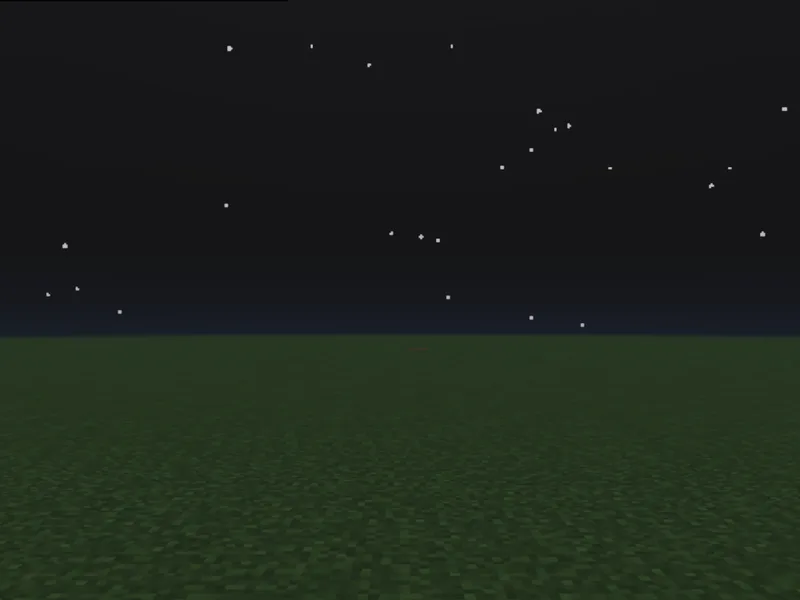
Before
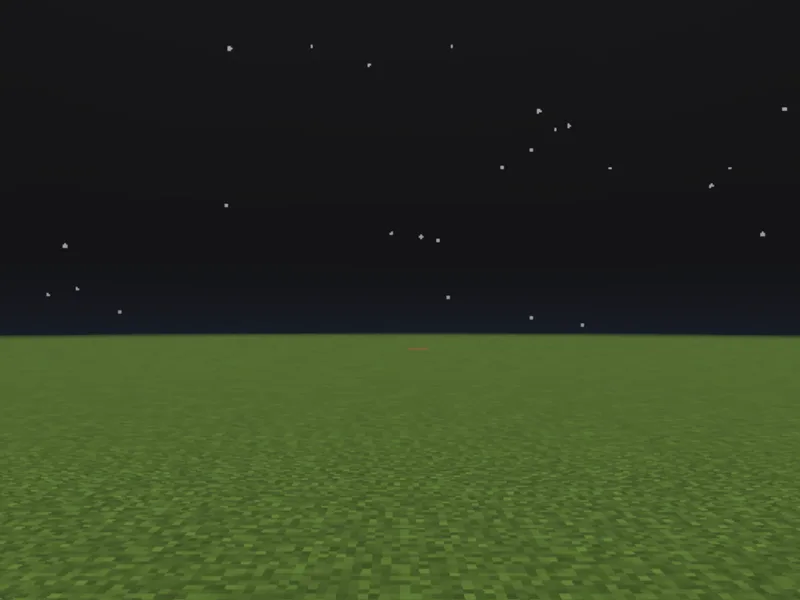
After
Not affiliated with Mojang or Microsoft. Minecraft is a trademark of Mojang Synergies AB.
Watch out for
- · Amplifier is zero-indexed: 0 is level I, 1 is level II.
- · For an always-on buff (via tick.json), use a long duration and re-apply — or a large number of seconds.
- · Some effects (like instant health) act once rather than over time.
Write it in MiniBench with autocomplete and live validation, then run it in Minecraft.