
Command Bedrock Edition ~2 min read
The /give command
Put items straight into a player's inventory — starter kits, rewards, and test gear.
What it does
/give adds items to a player. It's how you hand out a starting kit when a world loads, reward players for reaching a checkpoint, or quickly grab a tool while testing.
Syntax
give <player> <item> [amount] [data] [components]- player
- Who receives it — a target selector like @p, @a, @s, or a player name.
- item
- The item id, e.g. diamond, bread, netherite_pickaxe.
- amount
- How many (1–32767). Large amounts split into stacks.
- data
- Optional data/aux value for item variants.
Examples
give @p diamond 5Give the nearest player five diamonds.
give @a bread 3Give everyone three bread.
give @s netherite_pickaxeGive yourself a netherite pickaxe (amount defaults to 1).
See it in action
Before and after running /give — in MiniBench's 3D preview and in Minecraft.
Command run
give @s diamond_sword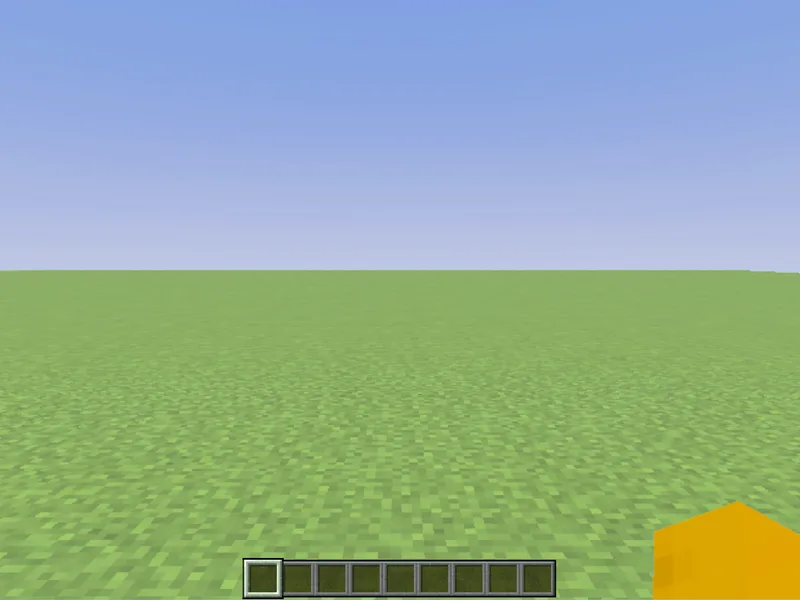
Before
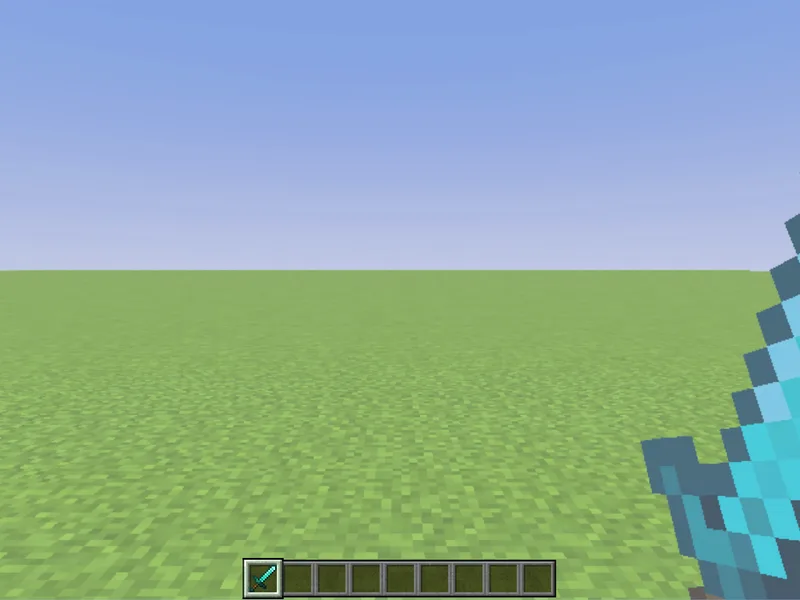
After
Not affiliated with Mojang or Microsoft. Minecraft is a trademark of Mojang Synergies AB.
Watch out for
- · The player argument is required — @s means the entity running the command (you, in chat).
- · Item ids are lowercase with underscores; autocomplete helps you find the exact name.
- · Enchantments and custom names use the advanced components argument.
Write it in MiniBench with autocomplete and live validation, then run it in Minecraft.