
Command Bedrock Edition ~3 min read
The /scoreboard command
Keep score. Track points, lives, or progress and show them on screen.
What it does
/scoreboard is how packs remember numbers: coins collected, lives left, waves survived. You create an objective, change players' scores, and optionally display them on the sidebar — the backbone of most minigames.
Syntax
scoreboard objectives add <name> dummy [displayName]scoreboard players set <target> <objective> <value>scoreboard players add <target> <objective> <amount>scoreboard objectives setdisplay sidebar <objective>- objectives add
- Create a score track. Use type "dummy" for values you set yourself.
- players set / add
- Set a target’s score, or add to it.
- setdisplay
- Show an objective on the sidebar, list, or belowname.
Examples
scoreboard objectives add coins dummy "Coins"Create a "Coins" score.
scoreboard players add @s coins 1Give yourself one coin.
scoreboard objectives setdisplay sidebar coinsShow coins on the right-side HUD.
See it in action
Before and after running /scoreboard — in MiniBench's 3D preview and in Minecraft.
Command run
scoreboard objectives add pts dummy Points
scoreboard players set @s pts 42
scoreboard objectives setdisplay sidebar pts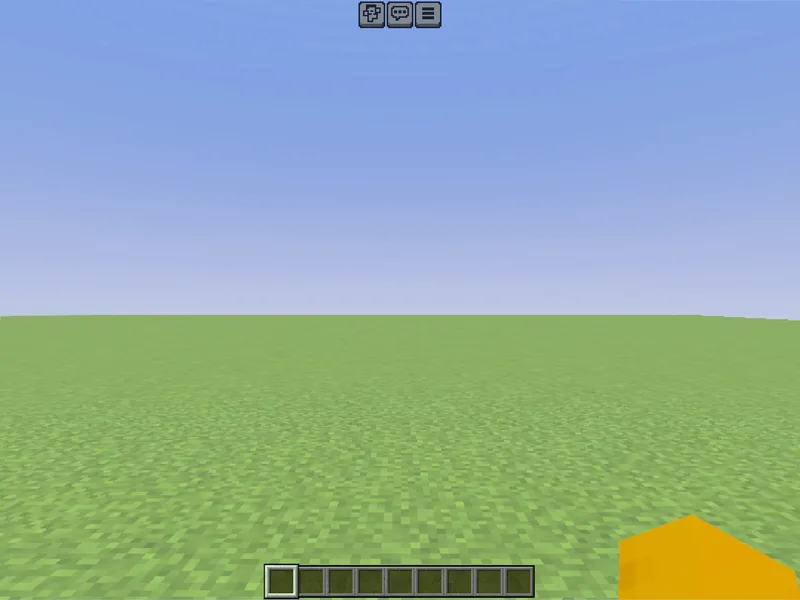
Before
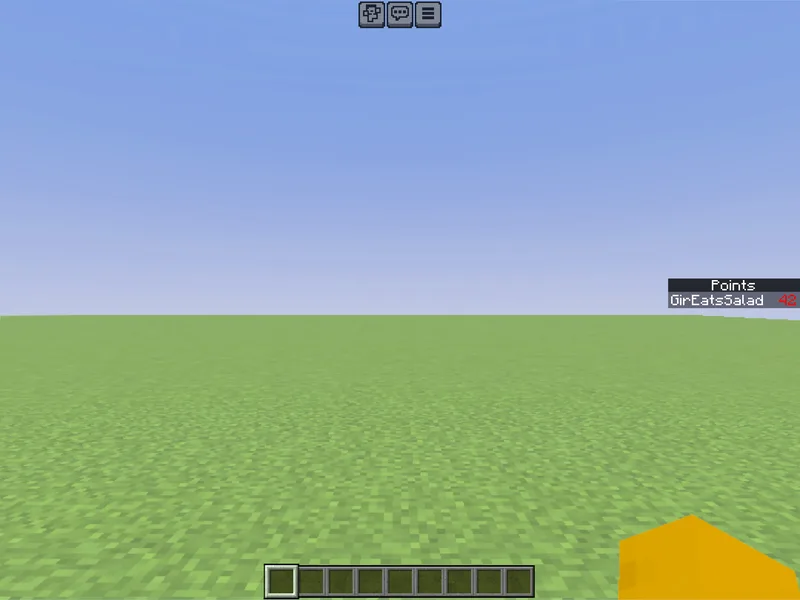
After
Not affiliated with Mojang or Microsoft. Minecraft is a trademark of Mojang Synergies AB.
Watch out for
- · Use type dummy for scores you control with commands.
- · Combine with execute if score to trigger things at a threshold.
- · Reset a score with scoreboard players set @s coins 0.
Write it in MiniBench with autocomplete and live validation, then run it in Minecraft.