
Command Bedrock Edition ~2 min read
The /tag command
Stick an invisible label on players or mobs, then target them by it.
What it does
/tag adds hidden labels to entities. Mark a mob as a boss, flag players who joined a team, or note who's holding the flag — then use [tag=...] in a selector to act on exactly those. It's the simplest way to track state without a scoreboard.
Syntax
tag <target> add <name>tag <target> remove <name>tag <target> list- target
- Who to tag — @s, @a, or a filtered selector like @e[type=zombie].
- add / remove / list
- Add a tag, take one away, or list an entity’s tags.
Examples
tag @s add vipTag yourself "vip".
tag @e[type=zombie,c=1] add bossMark the nearest zombie as the boss.
tag @a[tag=vip] remove vipRemove the "vip" tag from everyone who has it.
See it in action
Before and after running /tag — in MiniBench's 3D preview and in Minecraft.
Command run
tag @s add vip
Before
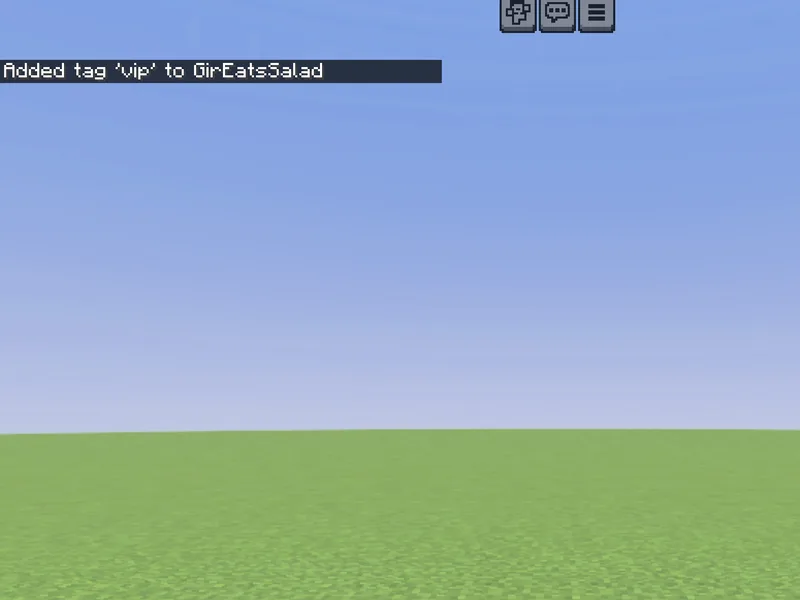
After
Not affiliated with Mojang or Microsoft. Minecraft is a trademark of Mojang Synergies AB.
Watch out for
- · Tags are invisible — target them with @a[tag=vip] or @e[tag=boss].
- · Use [tag=!name] to match entities without a tag.
- · Perfect for one-time setup: tag on first tick, then skip anything already tagged.
Write it in MiniBench with autocomplete and live validation, then run it in Minecraft.