
Command Bedrock Edition ~2 min read
The /particle command
Spawn a burst of particles — hearts, flames, smoke, explosions — anywhere you want.
What it does
/particle plays a one-off particle effect at a position. Use it for feedback (hearts over a pet), atmosphere (smoke and flames), or drama (an explosion emitter) without any actual damage.
Syntax
particle <effect> <x y z>- effect
- The particle id, e.g. minecraft:heart_particle, minecraft:basic_flame_particle.
- x y z
- Where it appears — exact or relative ~ coordinates.
Examples
particle minecraft:heart_particle ~ ~2 ~A heart floats up above you.
particle minecraft:huge_explosion_emitter ~ ~ ~A big explosion effect — all show, no damage.
particle minecraft:basic_flame_particle ~ ~1 ~A small flame.
See it in action
Before and after running /particle — in MiniBench's 3D preview and in Minecraft.
Command run
particle minecraft:campfire_smoke_particle ~ ~ ~3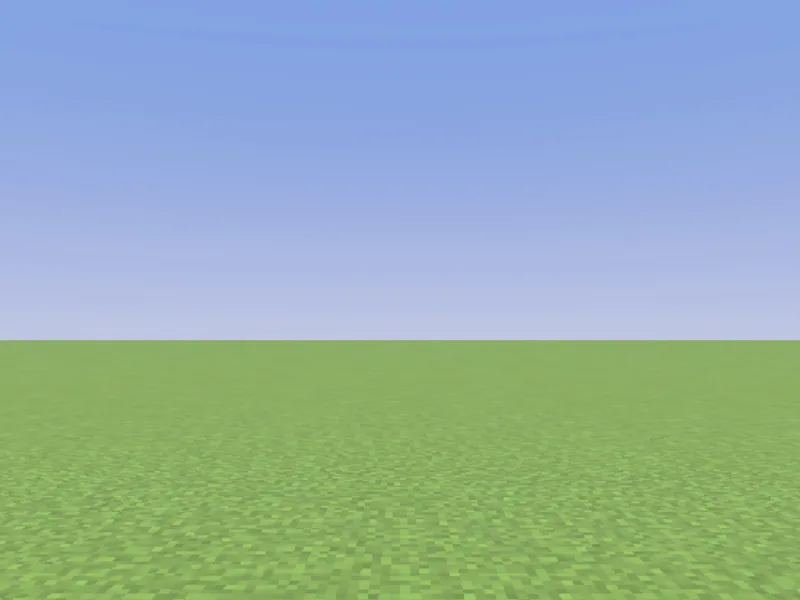
Before
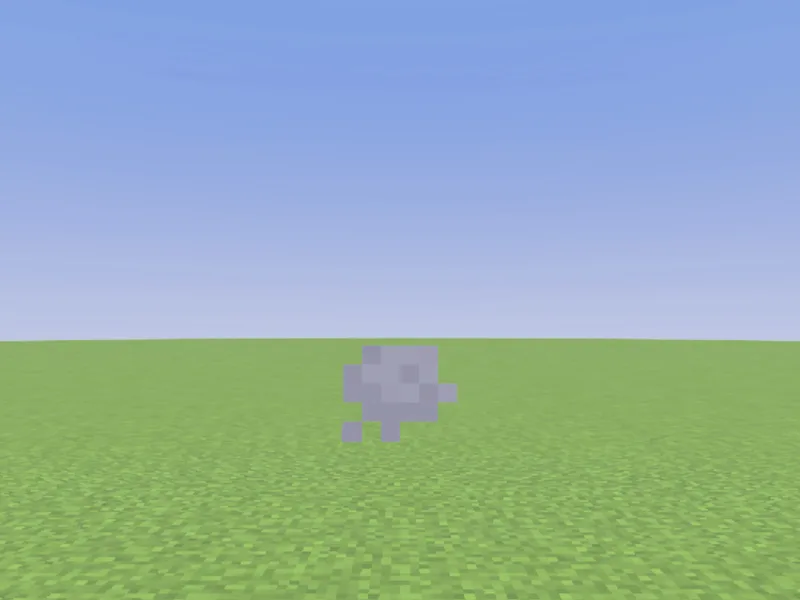
After
Not affiliated with Mojang or Microsoft. Minecraft is a trademark of Mojang Synergies AB.
Watch out for
- · Bedrock particle ids use the minecraft: prefix; autocomplete lists them.
- · It’s cosmetic — particles don’t deal damage or change blocks.
- · Run it every tick (via tick.json) for a continuous effect.
Write it in MiniBench with autocomplete and live validation, then run it in Minecraft.