
Command Bedrock Edition ~2 min read
The /playsound command
Play a sound effect — a level-up chime, a note, a mob call — for feedback and polish.
What it does
/playsound plays any of Minecraft's built-in sounds to a player. A chime when they win, a click when they step on a pad, an ominous growl before a fight — sound makes a pack feel alive.
Syntax
playsound <sound> [player] [x y z] [volume] [pitch]- sound
- The sound id, e.g. random.levelup, note.pling, mob.villager.yes.
- player
- Who hears it — @s, @a, @p.
- volume / pitch
- Optional loudness and pitch (1 is normal; higher pitch = higher note).
Examples
playsound random.levelup @sA rewarding level-up chime for yourself.
playsound note.pling @a ~ ~ ~ 1 2A high-pitched note for everyone.
playsound mob.villager.yes @sA villager "yes" grunt.
See it in action
Before and after running /playsound — in MiniBench's 3D preview and in Minecraft.
Command run
playsound note.harp @s
Before
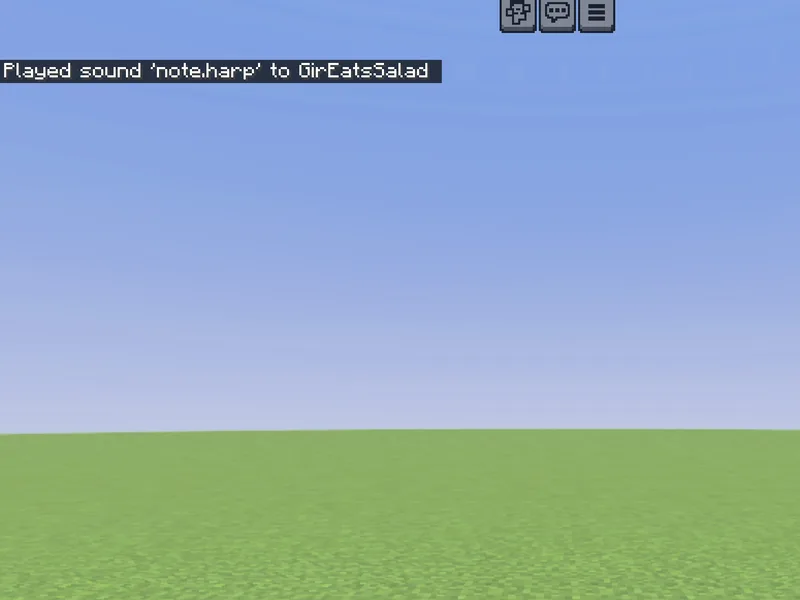
After
Not affiliated with Mojang or Microsoft. Minecraft is a trademark of Mojang Synergies AB.
Watch out for
- · Sound ids are lowercase, dot-separated (random.levelup). Autocomplete lists them.
- · Volume also controls how far away it can be heard.
- · Great paired with /title for announcements.
Write it in MiniBench with autocomplete and live validation, then run it in Minecraft.