
Command Bedrock Edition ~2 min read
The /title command
Show big on-screen text — a title card, a subtitle, or a message above the hotbar.
What it does
/title puts text front-and-center for a player: a large title, a smaller subtitle beneath it, or a quiet action-bar line above the hotbar. It's how maps announce a level, a win, or an objective.
Syntax
title <player> title <text>title <player> subtitle <text>title <player> actionbar <text>title <player> clear- player
- Who sees it — @a for everyone, @s for yourself.
- title / subtitle / actionbar
- Where the text appears.
- text
- The message to show.
Examples
title @a title Welcome!A big title card for everyone.
title @a subtitle Find the exitA smaller line under the title (set a title first).
title @s actionbar Checkpoint reachedA subtle message above the hotbar.
See it in action
Before and after running /title — in MiniBench's 3D preview and in Minecraft.
Command run
title @s title Level Complete!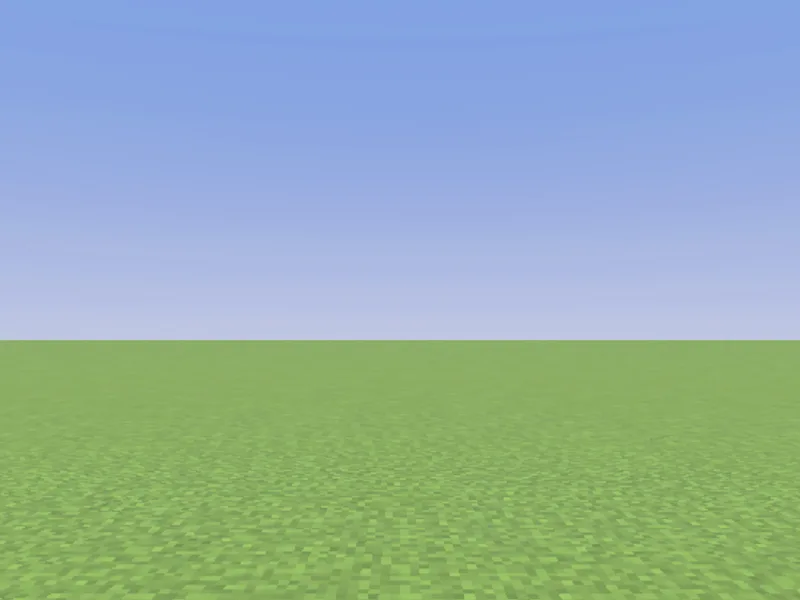
Before
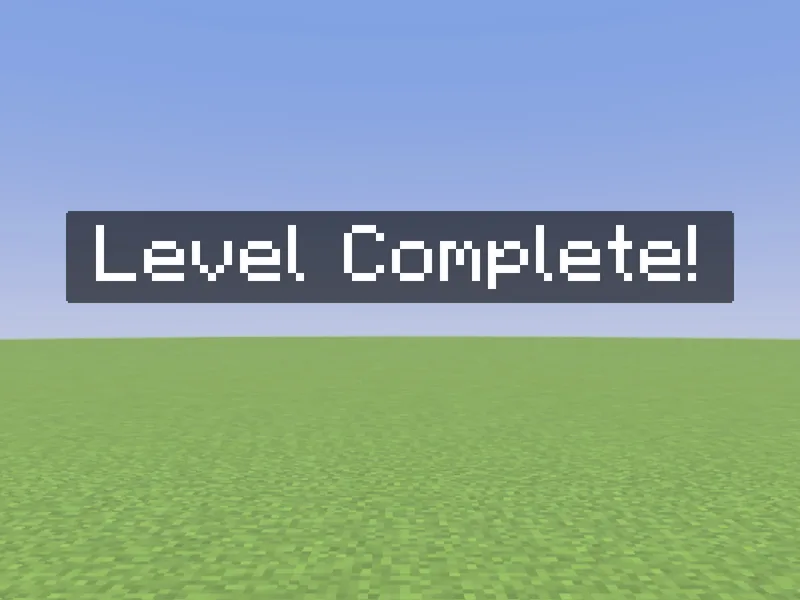
After
Not affiliated with Mojang or Microsoft. Minecraft is a trademark of Mojang Synergies AB.
Watch out for
- · Set a title before a subtitle — the subtitle shows with the next title.
- · Control timing with title @a times <fadeIn> <stay> <fadeOut> (in ticks).
- · Pair it with /playsound for a satisfying announcement.
Write it in MiniBench with autocomplete and live validation, then run it in Minecraft.