
Command Bedrock Edition ~2 min read
The /gamemode command
Switch between survival, creative, adventure, and spectator on the fly.
What it does
/gamemode changes how you (or another player) play: mine and craft in survival, build freely in creative, explore without breaking blocks in adventure, or fly through walls in spectator. It's the command you'll toggle most while testing a pack.
Syntax
gamemode <mode> [player]- mode
- survival (s / 0), creative (c / 1), adventure (a / 2), or spectator.
- player
- Who to change. Defaults to the command runner.
Examples
gamemode creative @sPut yourself in creative to build.
gamemode survival @aDrop everyone into survival — great to start a challenge.
gamemode cShorthand: c = creative, s = survival, a = adventure.
See it in action
Before and after running /gamemode — in MiniBench's 3D preview and in Minecraft.
Command run
gamemode survival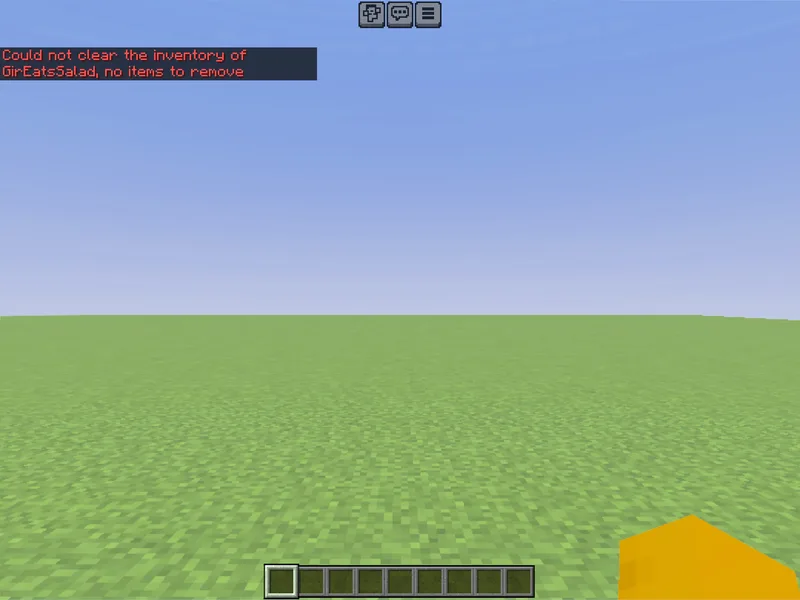
Before
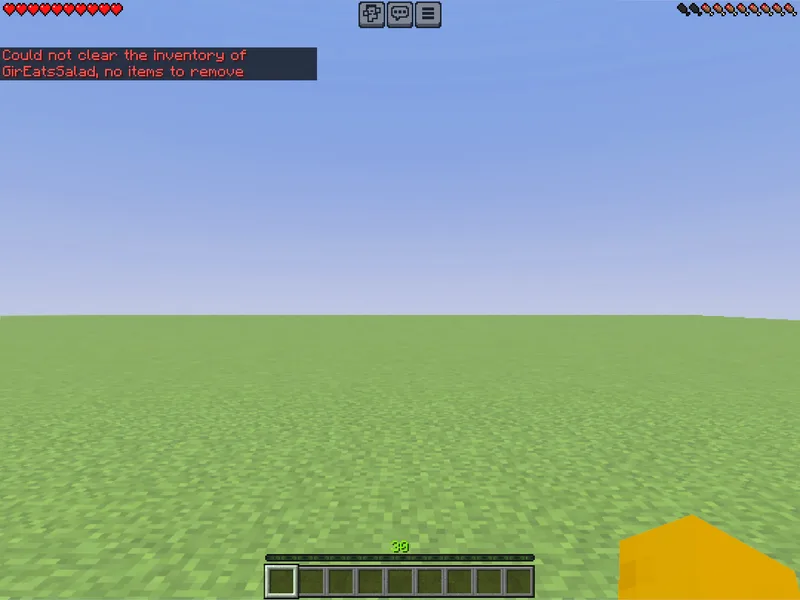
After
Not affiliated with Mojang or Microsoft. Minecraft is a trademark of Mojang Synergies AB.
Watch out for
- · Needs cheats enabled on the world.
- · Adventure mode blocks breaking/placing unless items are tagged for it — handy for maps.
- · You can use the word, the letter, or the number: creative = c = 1.
Write it in MiniBench with autocomplete and live validation, then run it in Minecraft.