
Command Bedrock Edition ~2 min read
The /time command
Skip to day, jump to night, or freeze the clock wherever you want it.
What it does
/time controls the world clock. Set it to a keyword or an exact tick, or add ticks to fast-forward. Perfect for staging a screenshot in daylight or triggering a spooky night scene.
Syntax
time set <day|night|noon|midnight|sunrise|sunset|ticks>time add <ticks>time query <daytime|gametime|day>- set
- Jump to a keyword (day, night, noon, midnight, sunrise, sunset) or an exact tick (0-24000).
- add
- Advance the clock by a number of ticks (20 ticks = 1 second).
- query
- Read the current time back.
Examples
time set dayBright daylight (about tick 1000).
time set nightJump to night.
time add 6000Fast-forward six in-game hours.
See it in action
Before and after running /time — in MiniBench's 3D preview and in Minecraft.
Command run
time set midnight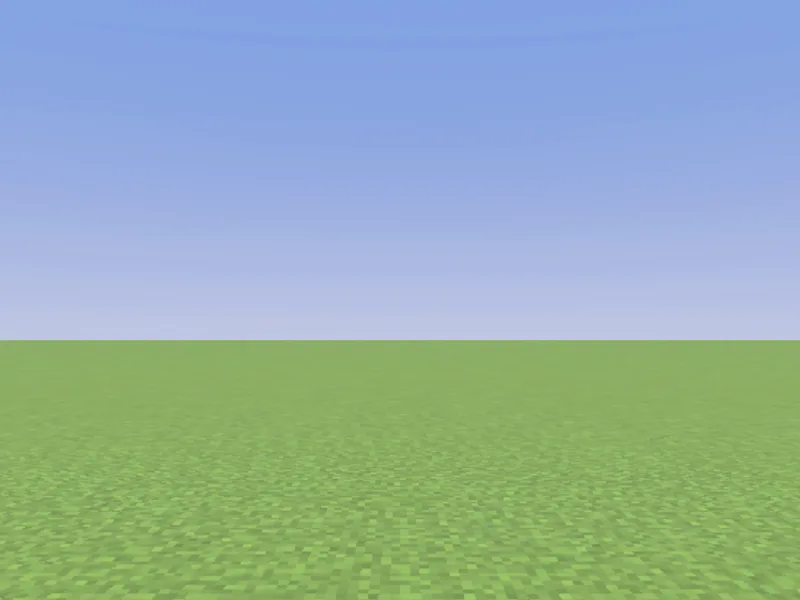
Before
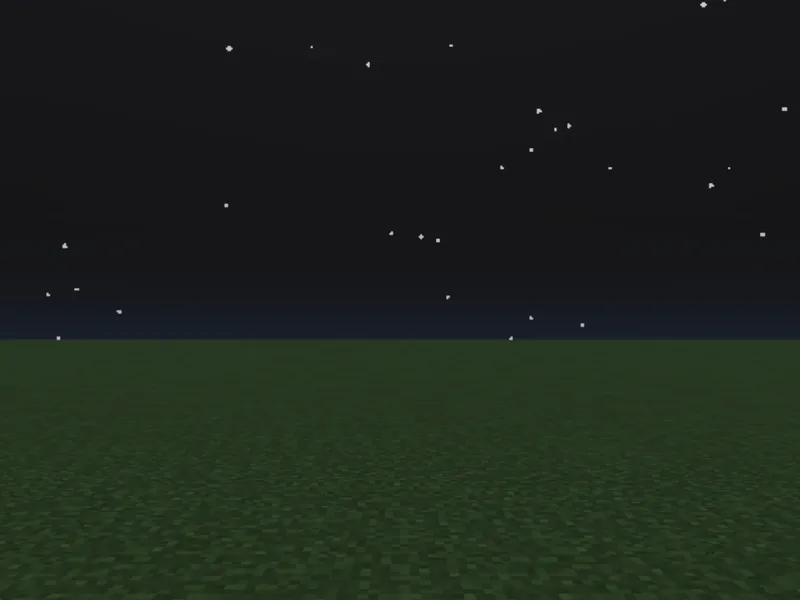
After
Not affiliated with Mojang or Microsoft. Minecraft is a trademark of Mojang Synergies AB.
Watch out for
- · A full day is 24000 ticks; noon is 6000, midnight 18000.
- · To stop the clock entirely, turn off the Daylight cycle in world cheat settings.
- · Needs cheats enabled.
Write it in MiniBench with autocomplete and live validation, then run it in Minecraft.