
Command Bedrock Edition ~2 min read
The /weather command
Clear the skies, start the rain, or roll in a thunderstorm on command.
What it does
/weather sets the current weather. Use it to guarantee a sunny screenshot, set a rainy mood, or trigger lightning for a dramatic moment.
Syntax
weather <clear|rain|thunder> [duration]- clear / rain / thunder
- The weather to switch to.
- duration
- Optional length in seconds before the weather can change again.
Examples
weather clearSunny skies — best for showing off a build.
weather rain 600Rain for 10 minutes (600 seconds).
weather thunderA thunderstorm, with lightning.
See it in action
Before and after running /weather — in MiniBench's 3D preview and in Minecraft.
Command run
weather rain
Before
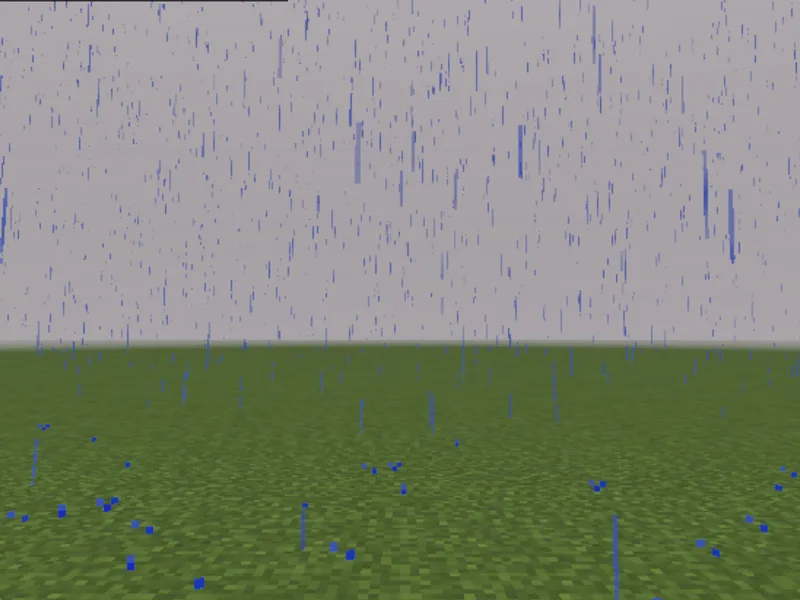
After
Not affiliated with Mojang or Microsoft. Minecraft is a trademark of Mojang Synergies AB.
Watch out for
- · Duration is in seconds on Bedrock, not ticks.
- · To stop weather changing on its own, turn off the Weather cycle in world cheat settings.
- · Needs cheats enabled.
Write it in MiniBench with autocomplete and live validation, then run it in Minecraft.