
The /setblock command
Place one block at one spot — doors, torches, redstone, and finishing touches.
What it does
/setblock places a single block at an exact position. Where /fill is for regions, /setblock is for the details: a door in a wall, a torch for light, a lever, or a chest at a known spot.
Syntax
setblock <x y z> <block> [replaceMode]- x y z
- The position for the block — exact numbers or relative ~ coordinates.
- block
- The block to place, e.g. torch, oak_door, glass, redstone_block.
- replaceMode
- replace (default) · keep (only if the spot is air) · destroy (break the old block and drop it).
Examples
setblock ~ ~1 ~ torchA torch one block above where the command runs.
setblock ~ ~ ~3 glassA glass block three blocks in front of you (a window).
setblock 100 65 200 chest keepPlace a chest at exact coordinates, but only if that spot is empty.
See it in action
Before and after running /setblock — in MiniBench's 3D preview and in Minecraft.
Command run
setblock ~ ~ ~6 glowstone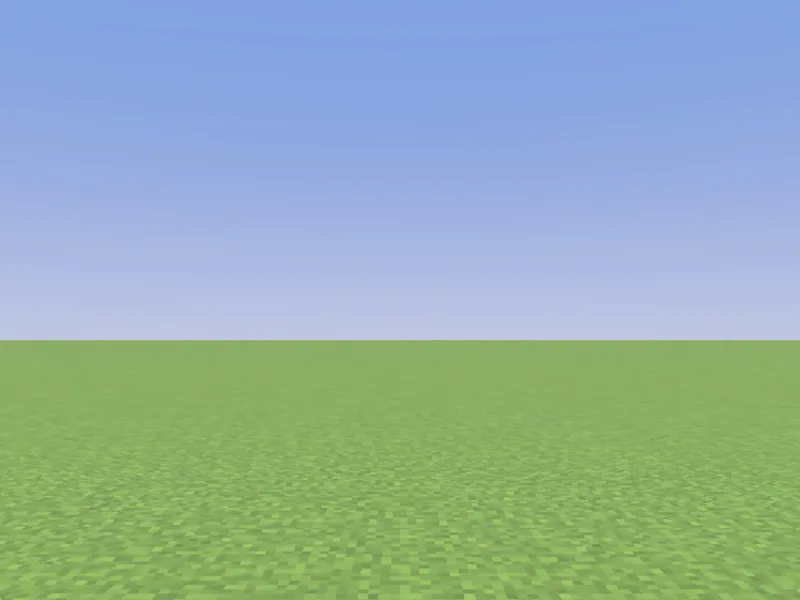
Before
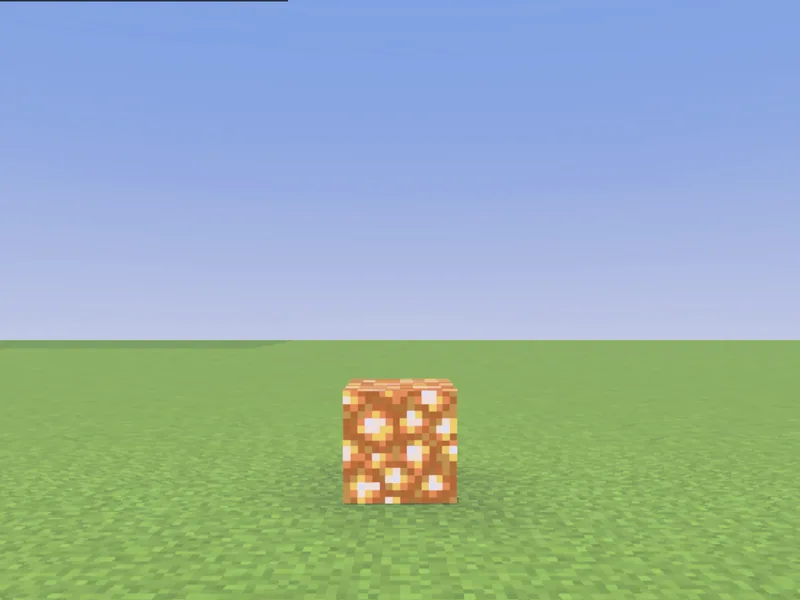
After
Not affiliated with Mojang or Microsoft. Minecraft is a trademark of Mojang Synergies AB.
Tips & techniques
- · Add block states in square brackets to aim things precisely: setblock ~ ~ ~ oak_stairs["weirdo_direction"=1,"upside_down_bit"=false]. MiniBench’s autocomplete lists every valid state so you don’t have to memorize them.
- · Remove a single block by setting it to air: setblock ~ ~1 ~ air — handy for carving a window or doorway after a /fill.
- · Use keep to decorate without clobbering: setblock ~ ~ ~ torch keep only places if that spot is empty.
- · Chain a few setblocks for redstone, buttons, and doors where a /fill would be clumsy — MiniBench’s 3D preview shows each block land in place.
- · Relative ~ coordinates make the placement follow the player; exact numbers pin it to a fixed spot in the world.
Watch out for
- · Some blocks need a block state to sit right (a door’s facing, a stair’s direction). Type the block in MiniBench and autocomplete will offer the states.
- · Blocks like torches and doors need something to attach to — placing one in mid-air may just drop it.
- · A door is two blocks: place the lower half with upper_block_bit=false and the upper half with upper_block_bit=true — one setblock alone renders a broken door.
- · For more than a handful of blocks, reach for /fill instead.
Used in these tutorials
See /setblock in action inside a full project walkthrough:
Write it in MiniBench with autocomplete and live validation, then run it in Minecraft.