
Command Bedrock Edition ~2 min read
The /spawnpoint command
Set where a player respawns — their personal checkpoint.
What it does
/spawnpoint sets a player’s individual respawn location. It’s how checkpoints work in a map: reach a spot, and dying sends you back there instead of to world spawn.
Syntax
spawnpoint [player] [x y z]- player
- Whose respawn point — @s, @a. Defaults to the runner.
- x y z
- Where they respawn. Omit to use the runner’s current position.
Examples
spawnpoint @sSet your respawn to where you’re standing — a checkpoint.
spawnpoint @a 100 64 100Send everyone’s respawn to a fixed spot.
spawnpoint @a[r=3]Checkpoint everyone within 3 blocks of the trigger.
See it in action
Before and after running /spawnpoint — in MiniBench's 3D preview and in Minecraft.
Command run
spawnpoint @s
Before
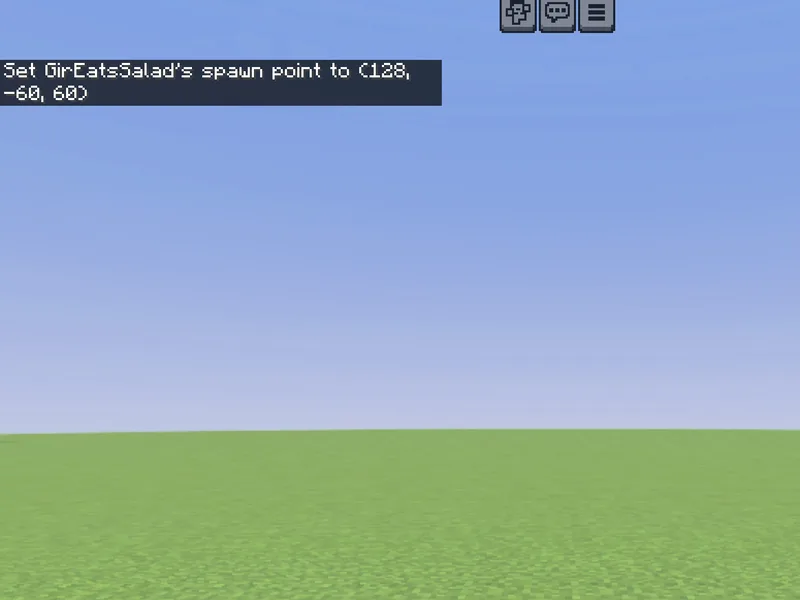
After
Not affiliated with Mojang or Microsoft. Minecraft is a trademark of Mojang Synergies AB.
Watch out for
- · This is per-player. For the whole world’s default, use /setworldspawn.
- · Great with a tick.json pad: stand on a block, get a new spawnpoint.
- · Needs cheats enabled.
Write it in MiniBench with autocomplete and live validation, then run it in Minecraft.