
Command Bedrock Edition ~2 min read
The /xp command
Hand out experience points or whole levels — or take them away.
What it does
/xp adds (or removes) experience. Reward a player for a task, top someone up for enchanting, or drain XP as a penalty. Add an L to work in levels instead of points.
Syntax
xp <amount>[L] [player]- amount
- Points to add. Add L for levels (e.g. 5L). Use a negative number to remove.
- player
- Who gets it — @s, @a, @p.
Examples
xp 100 @sGive yourself 100 experience points.
xp 5L @aGive everyone 5 levels.
xp -3L @sRemove 3 levels from yourself.
See it in action
Before and after running /xp — in MiniBench's 3D preview and in Minecraft.
Command run
xp 30L @s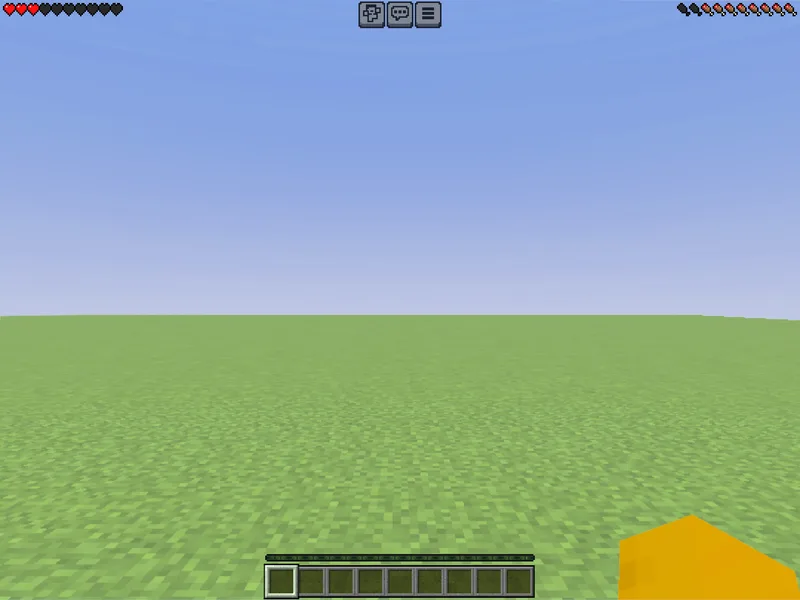
Before
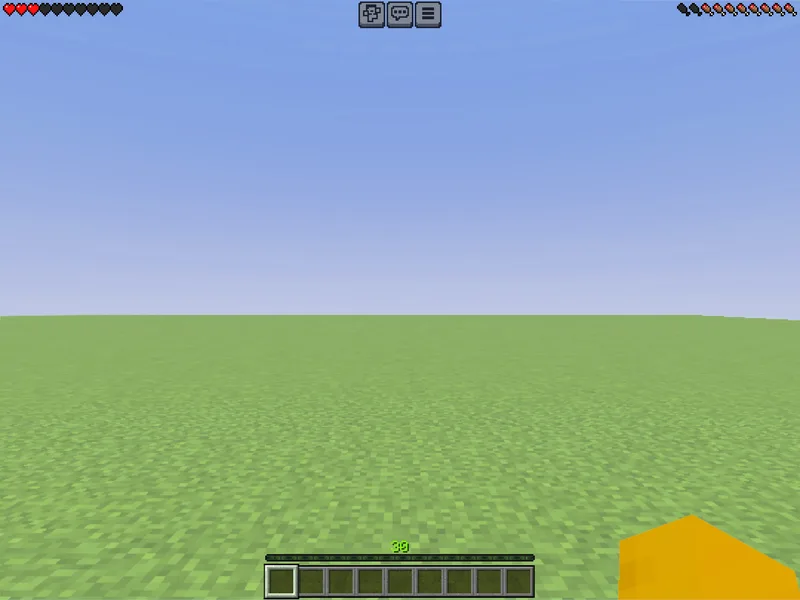
After
Not affiliated with Mojang or Microsoft. Minecraft is a trademark of Mojang Synergies AB.
Watch out for
- · The L suffix means levels; without it you’re adding raw points.
- · You can only remove points with a negative amount, not drop below zero.
- · Needs cheats enabled.
Write it in MiniBench with autocomplete and live validation, then run it in Minecraft.