
Command Bedrock Edition ~2 min read
The /fog command
Layer atmospheric fog onto players — set a mood, then clear it when the moment passes.
What it does
/fog stacks a named fog setting onto players and lets you remove it later by the id you gave it. Use it for a spooky arena, an underwater vibe, or a dramatic boss fight, then pop it when the scene ends.
Syntax
fog <victim> push <fogId> <userId>fog <victim> pop <userId>fog <victim> remove <userId>- push <fogId>
- Add a fog definition, e.g. minecraft:fog_crimson_forest.
- userId
- A name you invent so you can pop/remove this exact layer later.
- pop / remove
- pop undoes the last push with that id; remove clears it entirely.
Examples
fog @a push minecraft:fog_crimson_forest spookyWrap everyone in eerie red fog, tagged "spooky".
fog @a remove spookyClear that fog when the scene ends.
fog @s push minecraft:fog_the_end bossEnd-dimension fog for a boss fight.
See it in action
Before and after running /fog — in MiniBench's 3D preview and in Minecraft.
Command run
fog @s push minecraft:fog_hell redfog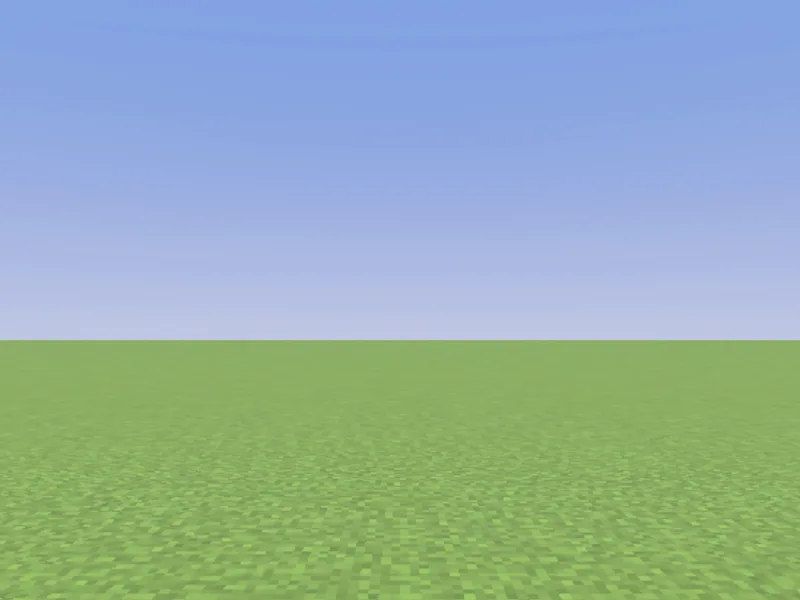
Before
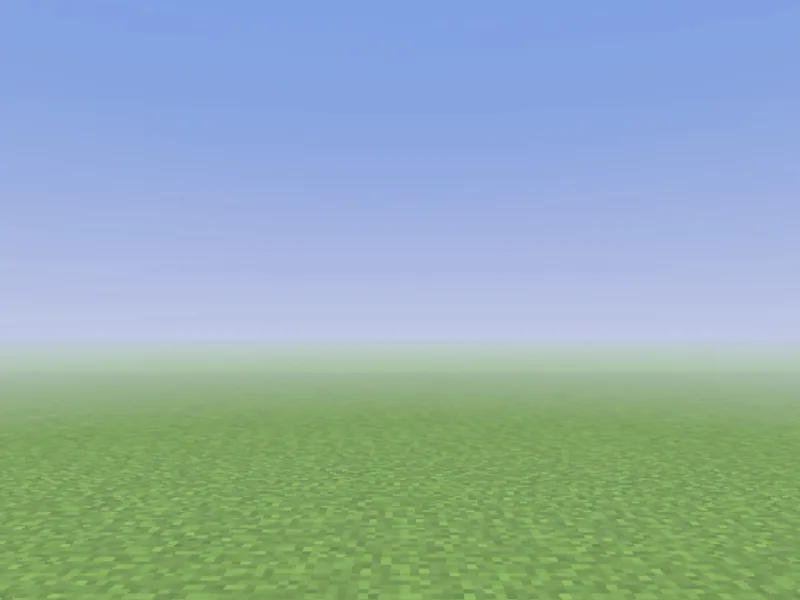
After
Not affiliated with Mojang or Microsoft. Minecraft is a trademark of Mojang Synergies AB.
Watch out for
- · The userId is your label — pick something memorable so you can remove it.
- · Fog stacks: multiple pushes layer up until you pop or remove them.
- · Fog ids come from the game’s built-in fog definitions (the minecraft:fog_* set).
Write it in MiniBench with autocomplete and live validation, then run it in Minecraft.