
Command Bedrock Edition ~2 min read
The /kill command
Clear out mobs, sweep up dropped items, or reset your position by respawning.
What it does
/kill removes entities. It's the fastest way to clean up after a test: despawn every mob you summoned, clear the dropped items littering the ground, or kill yourself to respawn at your spawn point.
Syntax
kill [target]- target
- What to remove — a selector like @e[type=zombie], @e[type=item], or @s.
Examples
kill @e[type=zombie]Remove every zombie.
kill @e[type=item]Sweep up all the dropped items on the ground.
kill @sKill yourself to respawn (handy in survival tests).
See it in action
Before and after running /kill — in MiniBench's 3D preview and in Minecraft.
Command run
kill @e[type=cow]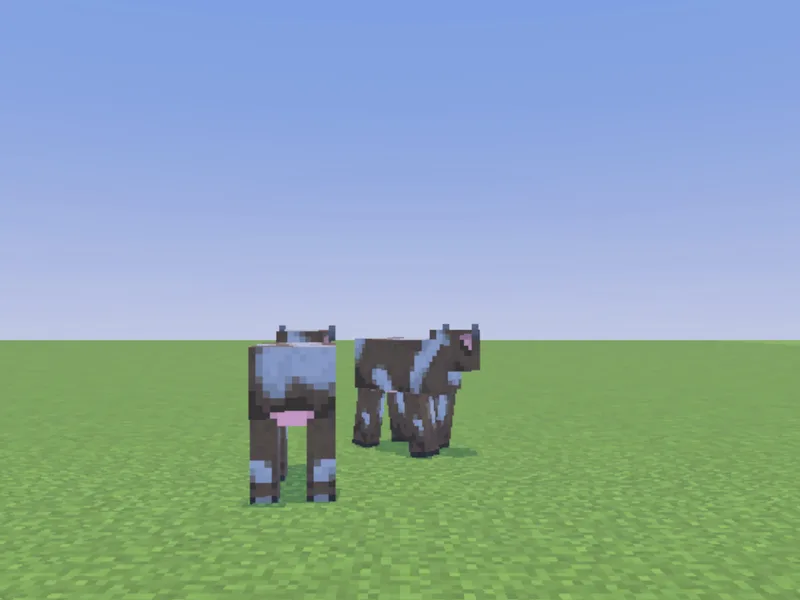
Before

After
Not affiliated with Mojang or Microsoft. Minecraft is a trademark of Mojang Synergies AB.
Watch out for
- · Always add a filter. Bare kill @e targets every entity — including players. Use @e[type=...].
- · Use @e[type=!player] to clear everything except players.
- · Needs cheats enabled.
Write it in MiniBench with autocomplete and live validation, then run it in Minecraft.